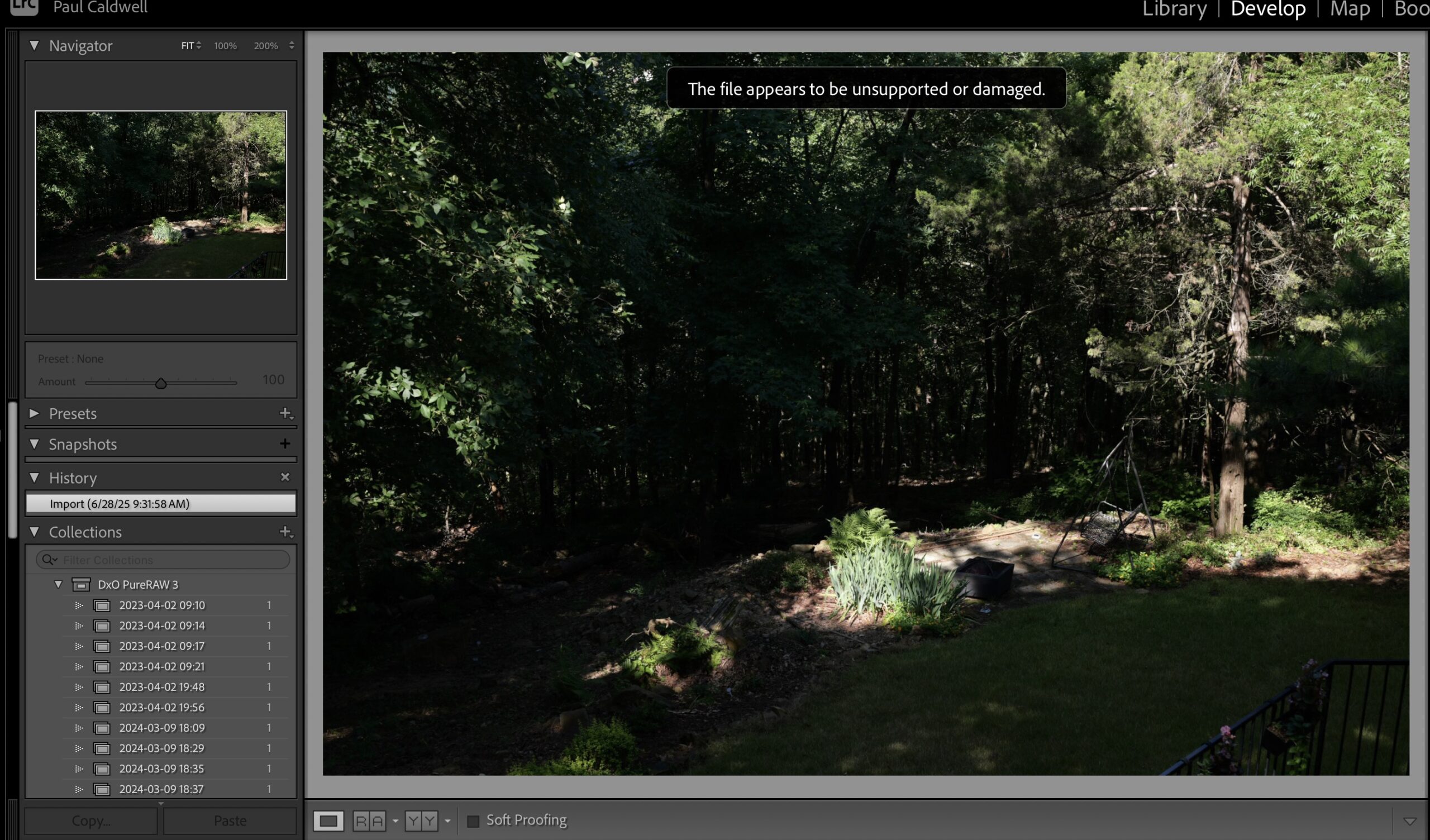
Currently there is a big issue within the Adobe software for Lightroom and ACR. If you are using a Panasonic S1RII in the high resolution mode about 50% of the time, you will get the error “The file appears to be unsupported or damaged”. The error is shown in the screen print above from Lightroom. Note, the problem is not with ACR or Lightroom, but with the Adobe Camera Raw software which both programs use to demosaic a raw file. I have written a bit more about this on my main photosofarkansas.com website, and you can read it by following this link:
I have found both Adobe and Panasonic to be very difficult to deal with in regards to support (Camera Raw in Adobe’s case and S1RII in Panasonic’s case).
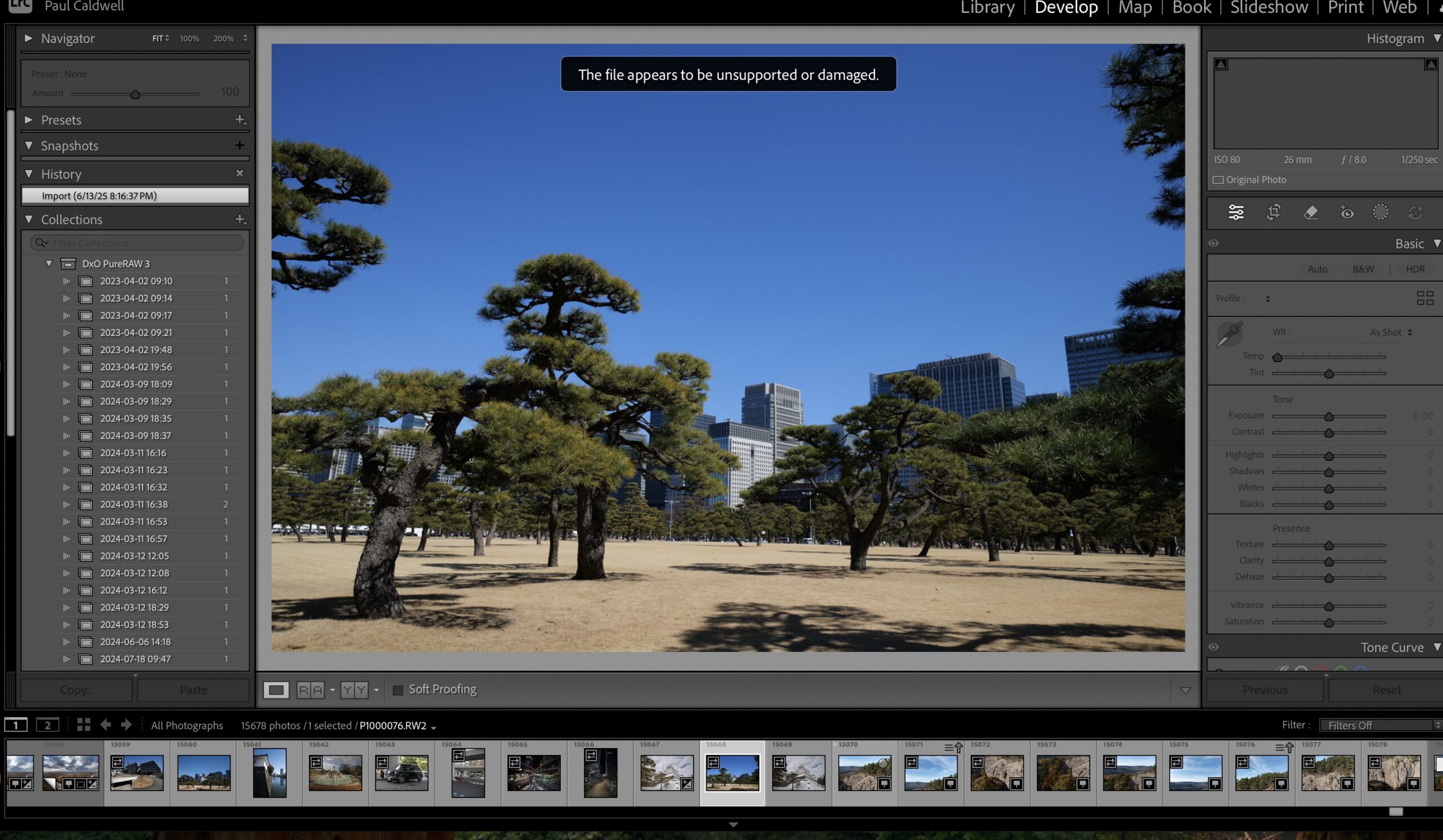
In their review of the S1RII, Dpreview.com has two high resolution images, this image will get the same type of error as shown in above screen print.


I have a different issue with my G9 II. The hi res images on great on the camera, but both Lightroom Classic and Luminar Neo show the images in a very cropped way. Anyone else run into this?